





UE5: Bend Studio's Screen-Space-Shadows for Optimization
Published: Jan. 29, 2026
What is Screen-Space-Shadows?
Section titled “What is Screen-Space-Shadows?”Screen-Space-Shadows is a method of calculating shadows without rendering to a ShadowMap by performing local ray tracing from on-screen information.
Because it does not generate a ShadowMap, it is a performance-friendly option in scenes where shadows for a large number of objects must be calculated, offering significant efficiency benefits.
It can also be applied to add greater detail to a scene.
This article introduces optimization and usage examples of Screen-Space-Shadows, created by Bend Studio which is integrated into UE5.
In addition to Bend Studio’s “Days Gone,” the same technology can be seen used in Sucker Punch Productions’ “Ghost of Tsushima.”
*Confirmed via in-game option settings
Tech Demo
Section titled “Tech Demo”WinterCrownWORKS: Screen-Space-Shadows
Section titled “WinterCrownWORKS: Screen-Space-Shadows”Explanation
Section titled “Explanation”Using Far shadows
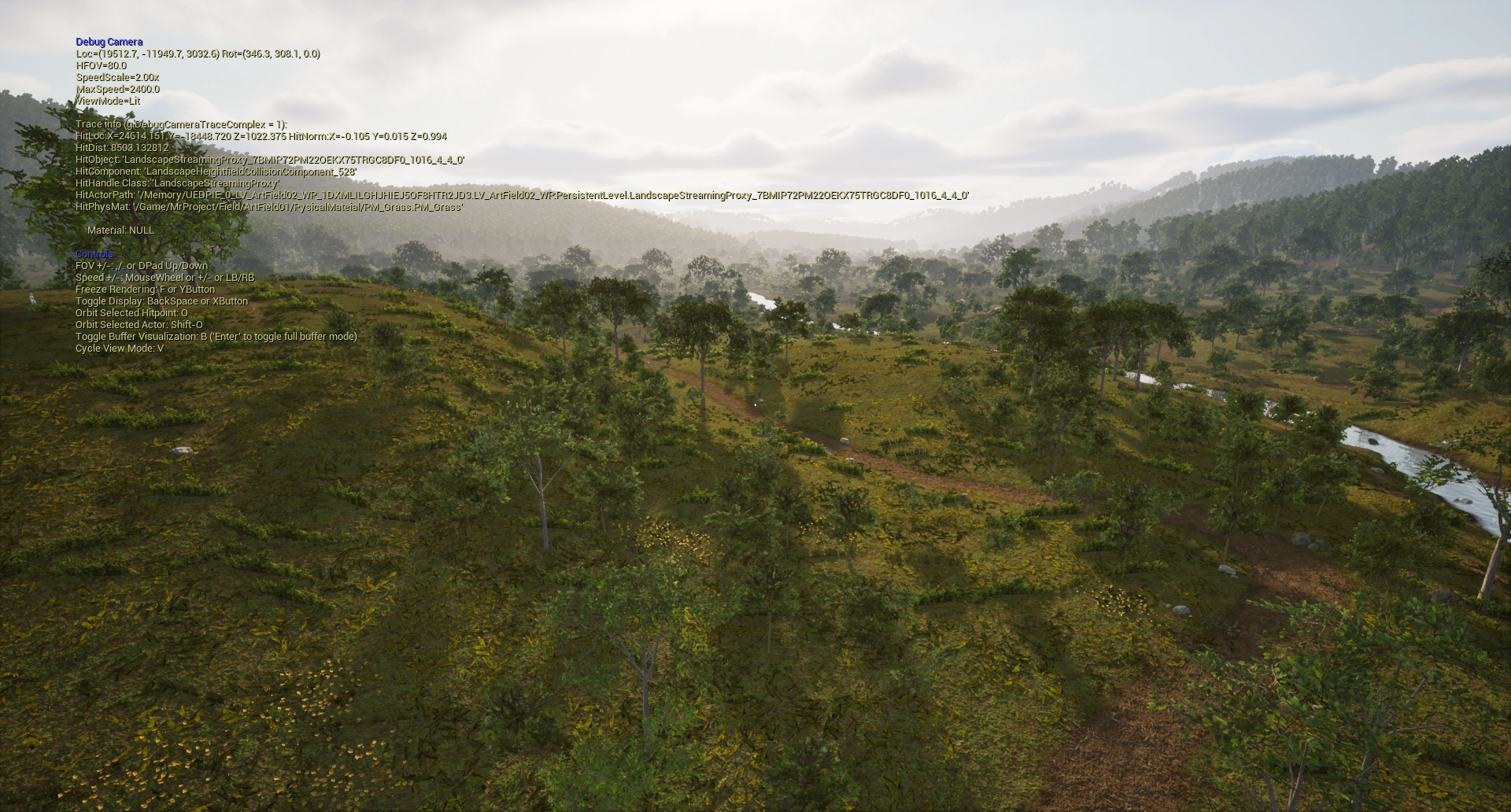
Section titled “Using Far shadows”By shortening the DynamicShadowDistance, it reduces the cost from ShadowDepths.
By enabling only the minimum amount of DistanceFieldShadow necessary, the cost from DistanceFieldShadow can also be reduced.
Screen-Space-Shadows
Section titled “Screen-Space-Shadows”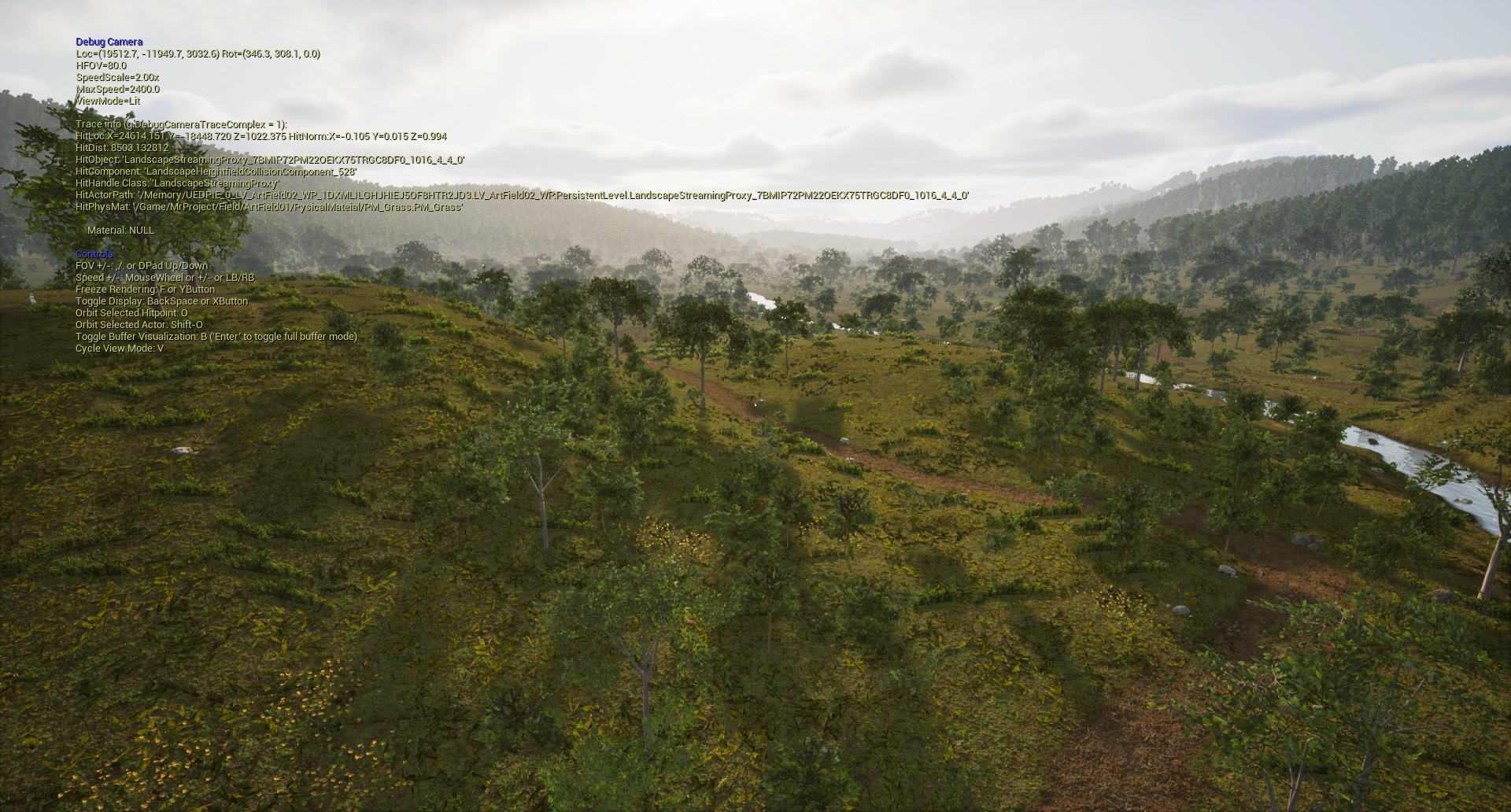
*Drag the center bar left or right to compare the images.
Zoomed in
Section titled “Zoomed in”Screen-Space-Shadows
Section titled “Screen-Space-Shadows”
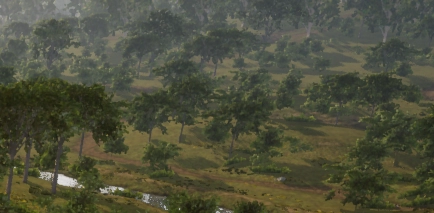
Ensure the resolution of CascadeShadowMap
Section titled “Ensure the resolution of CascadeShadowMap”Decreasing the range of the Dynamic Shadow increases the resolution allocated to distance, improving the quality of nearby Shadowmaps.
Dynamic Shadow Distance
Section titled “Dynamic Shadow Distance”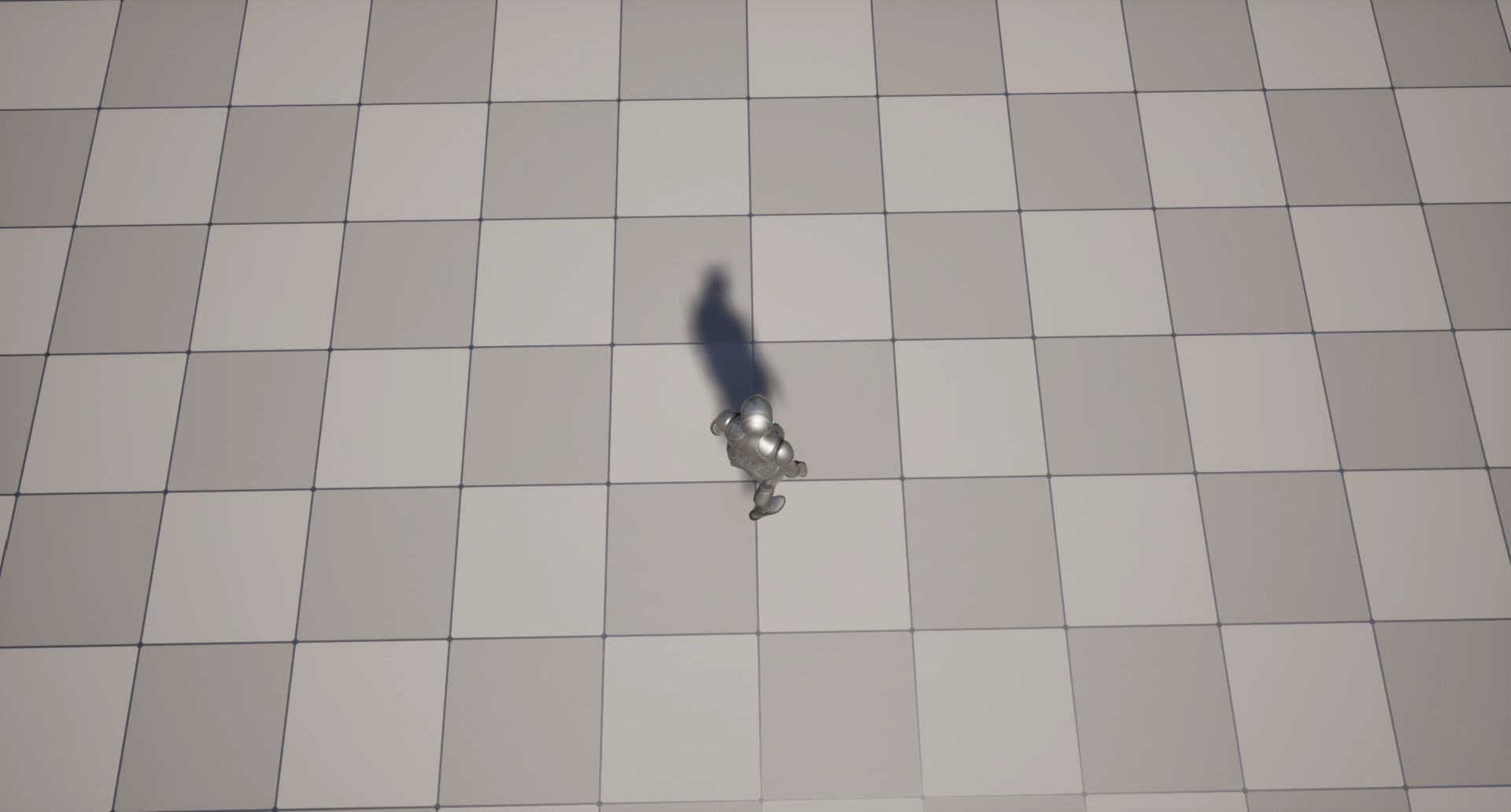
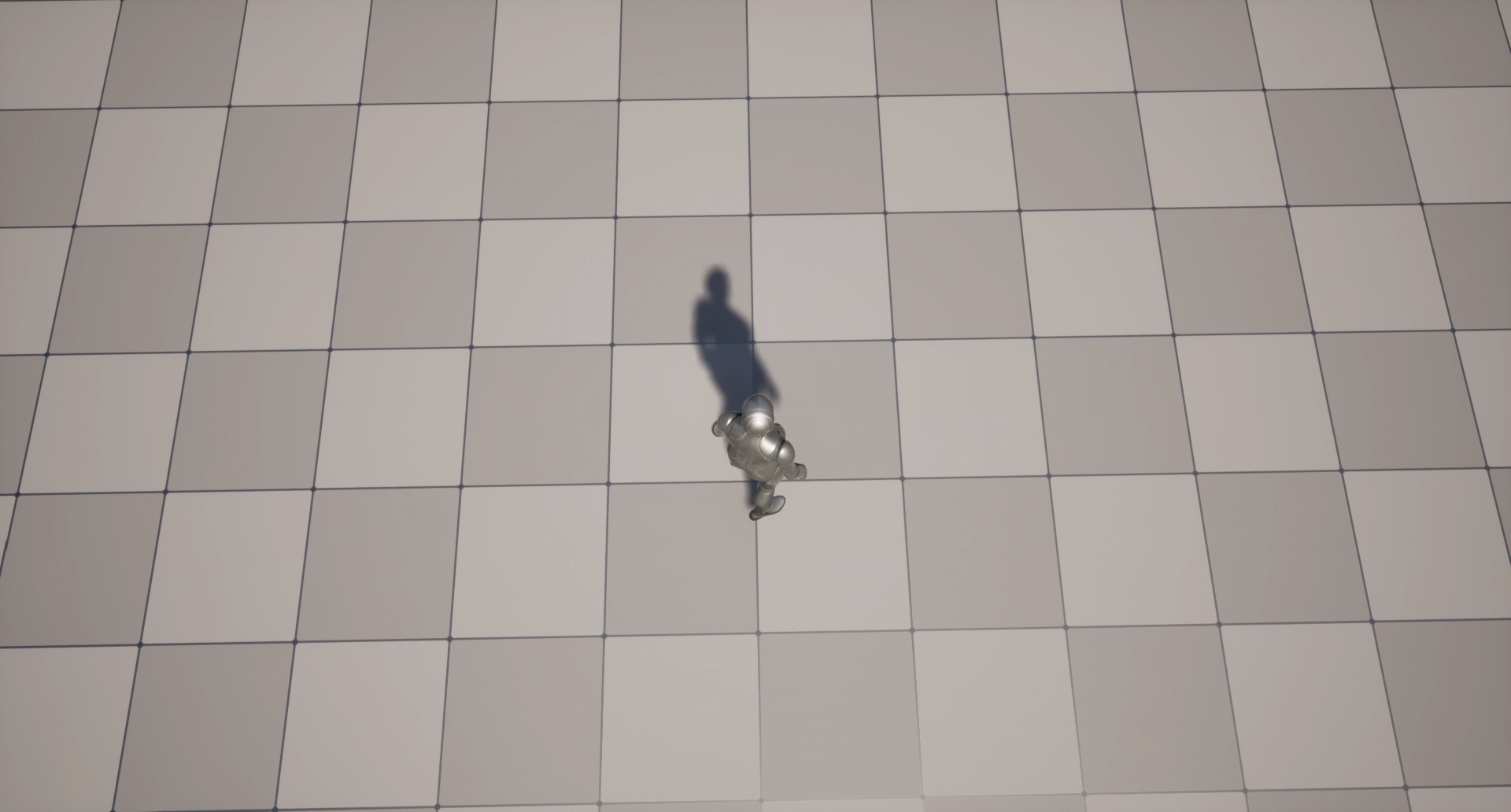
Zoomed in
Section titled “Zoomed in”Dynamic Shadow Distance
Section titled “Dynamic Shadow Distance”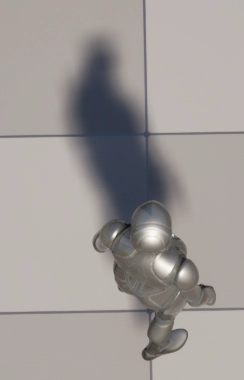
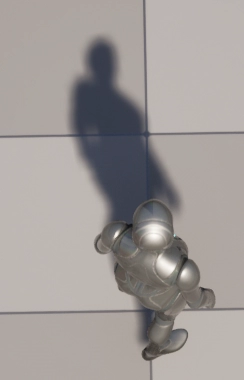
Adding details to the character
Section titled “Adding details to the character”The Bend Studio version of Screen-Space-Shadows creates long, detailed shadows.
It adds shadow detail based on depth variance information.
Screen-Space-Shadows
Section titled “Screen-Space-Shadows”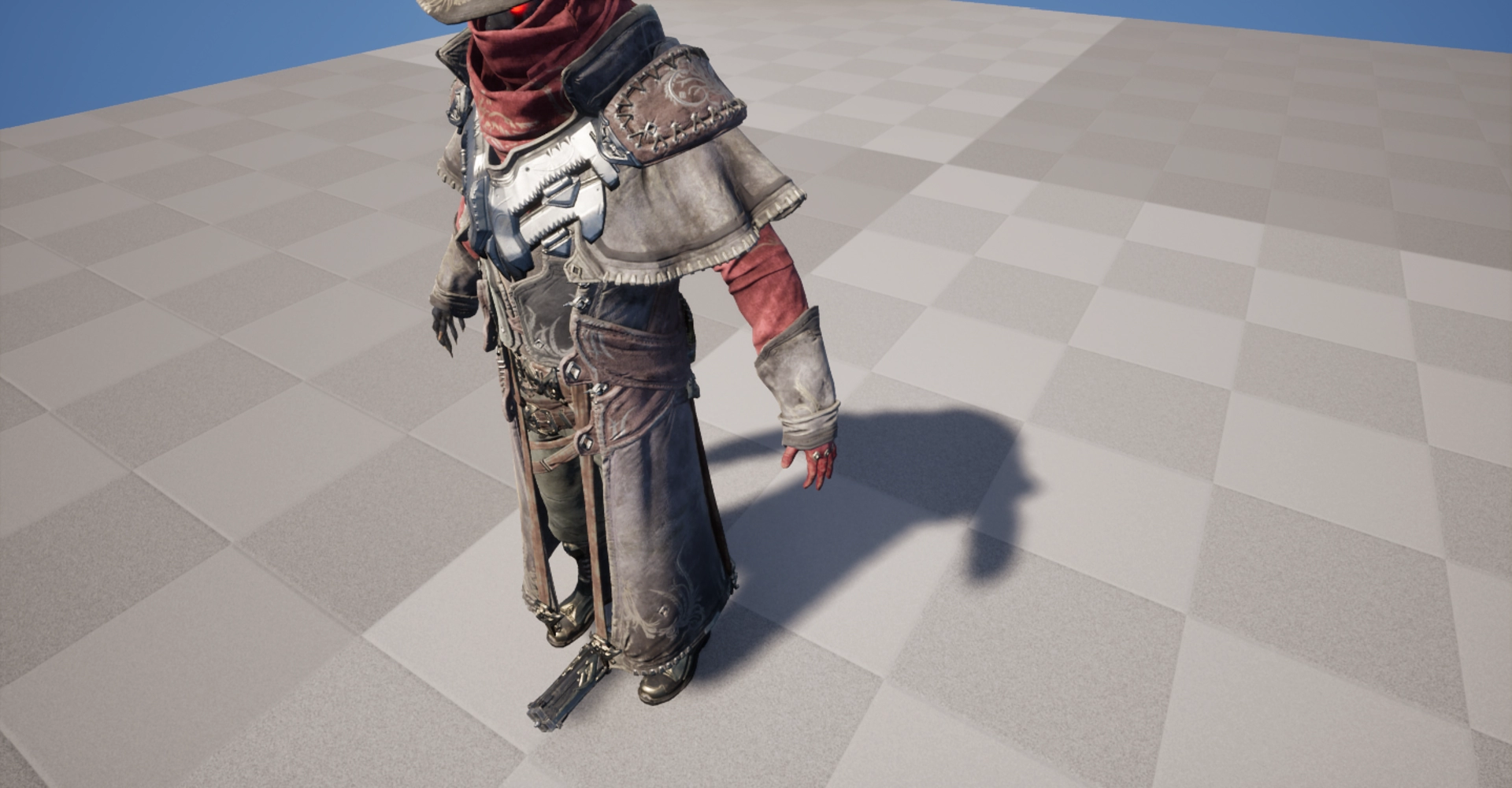
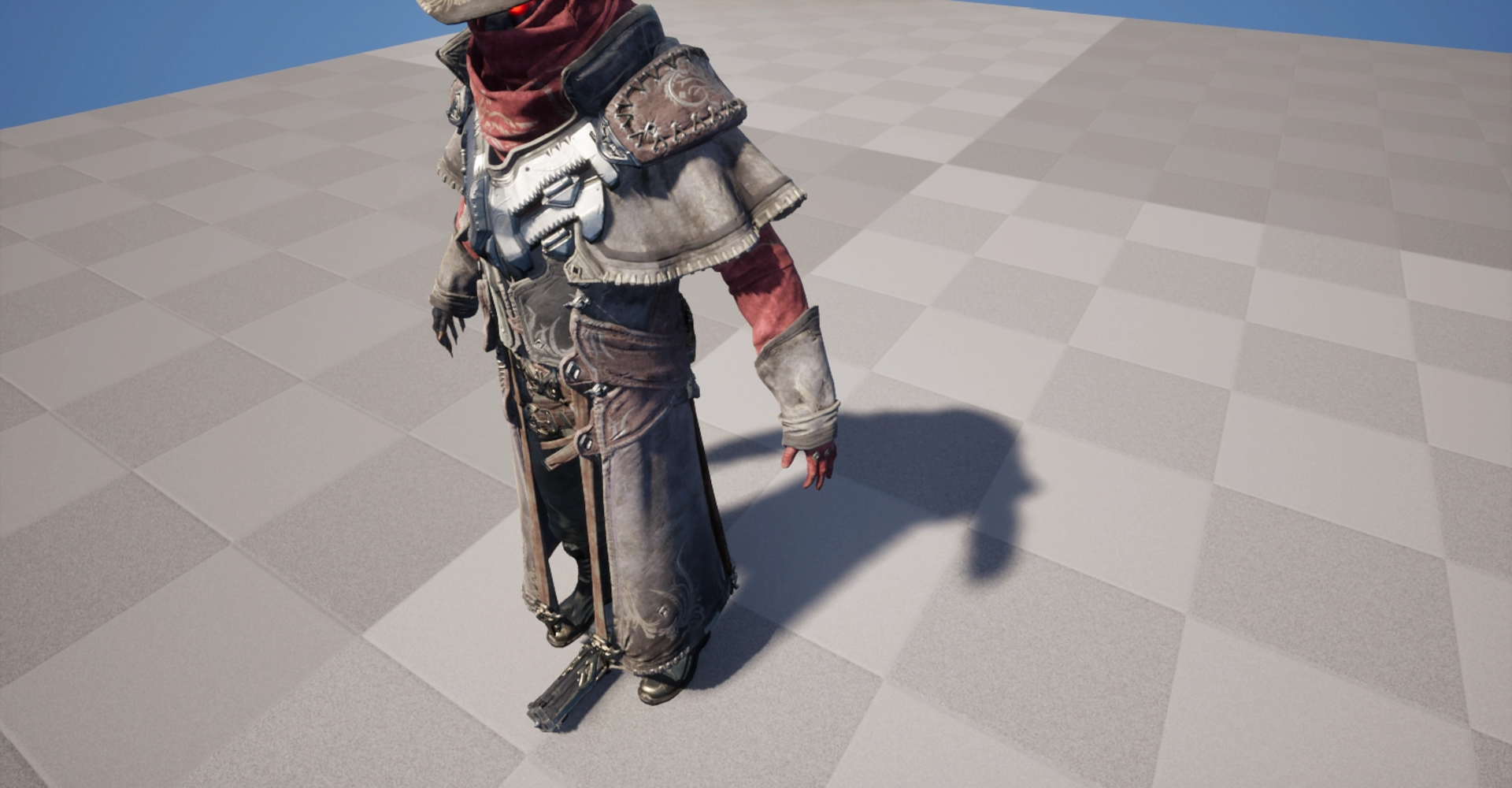
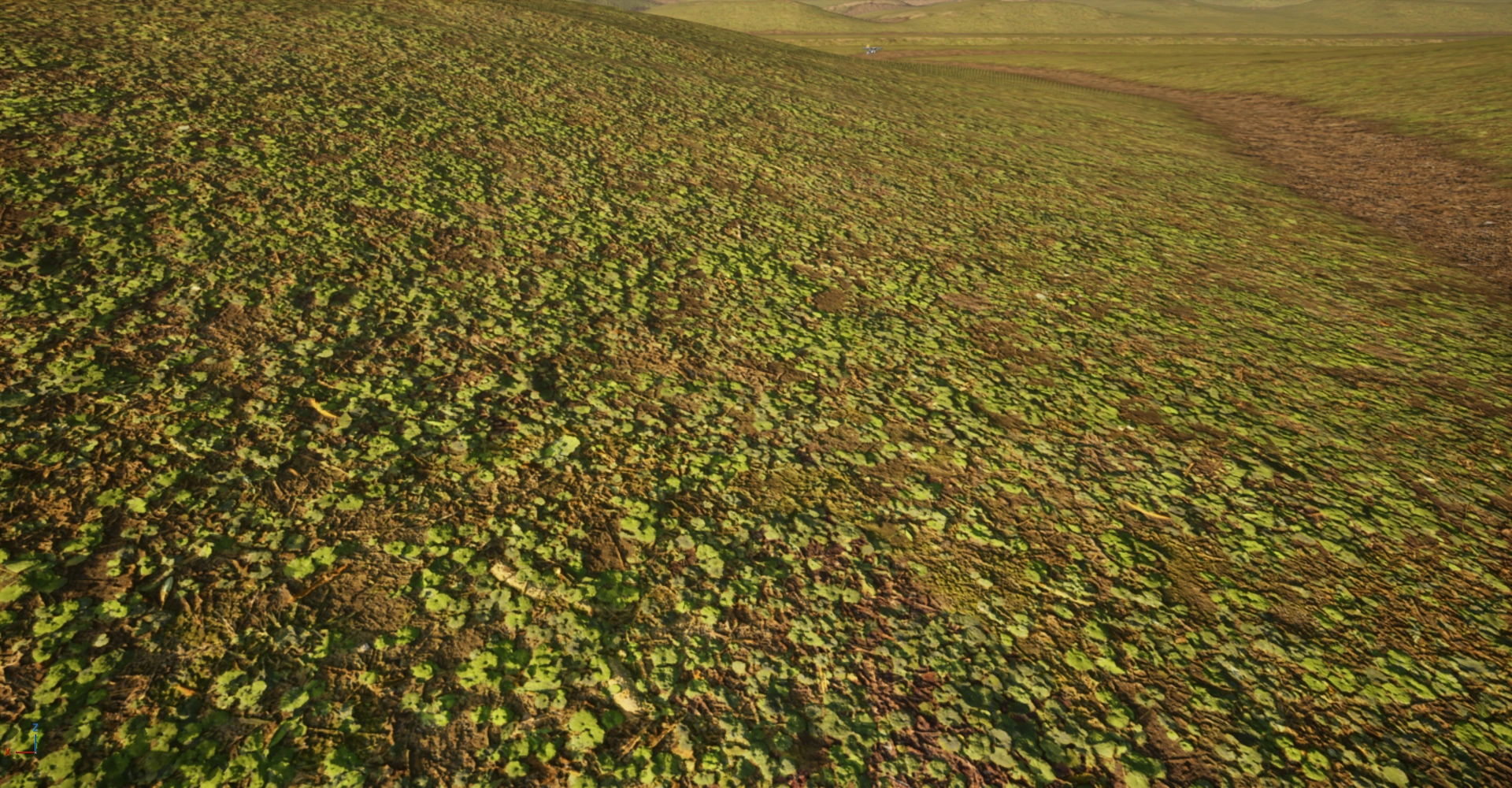
Detail expression combined with DepthOffset
Section titled “Detail expression combined with DepthOffset”The only way to do this on Unreal Engine is to add DepthOffset through engine customization or use PixelDepthOffset. WinterCrownWORKS implemented DepthOffset through engine modification.
This is to avoid the LateZ/PostZ overhead caused by DepthModification with PixelDepthOffset.
*Added DepthOffset value output via GBuffer expansion and “depth bias” processing via PostProcessing.
DepthOffset
Section titled “DepthOffset”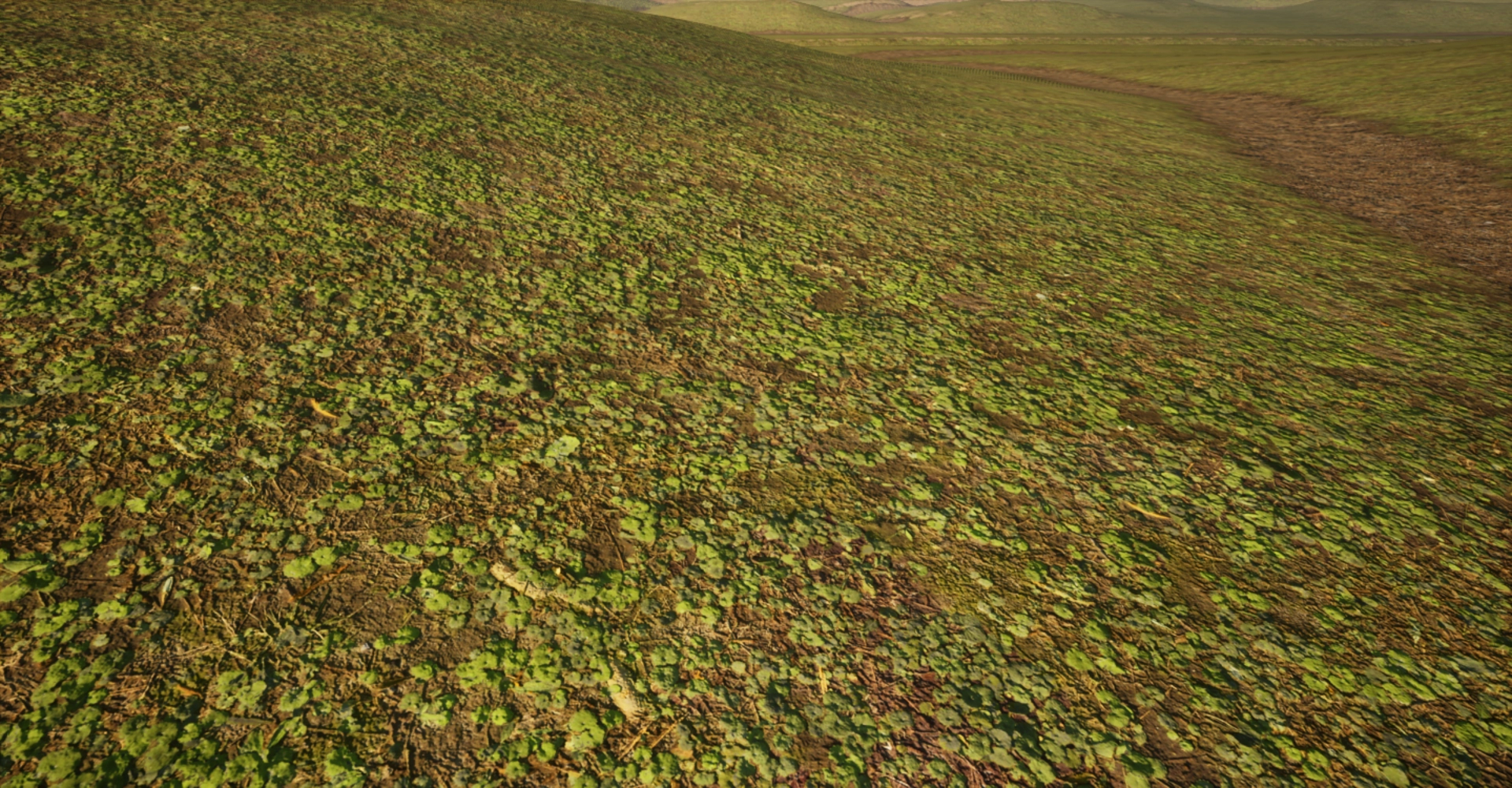
Zoomed in
Section titled “Zoomed in”DepthOffset
Section titled “DepthOffset”

WinterCrownWORKS : Depth Offset Detail
Section titled “WinterCrownWORKS : Depth Offset Detail”Renderdoc:DepthOffset
Section titled “Renderdoc:DepthOffset”Before DepthOffset: DepthBuffer
Section titled “Before DepthOffset: DepthBuffer”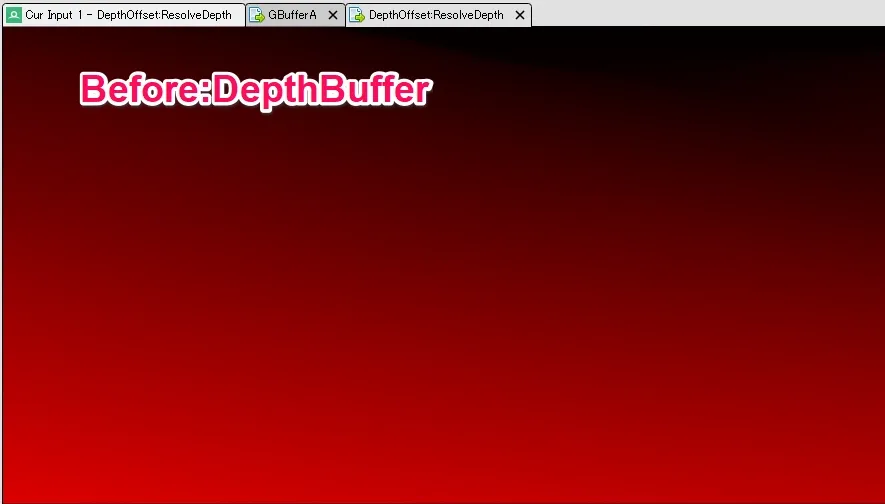
GBuffer: DepthOffset
Section titled “GBuffer: DepthOffset”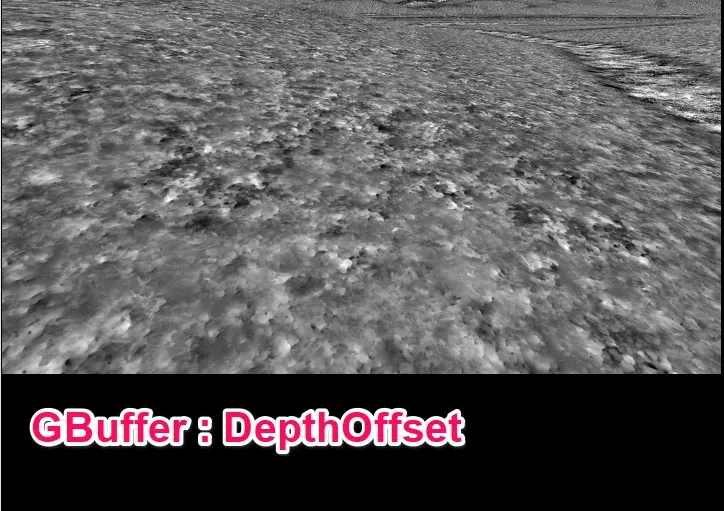
After Offset: DepthBuffer
Section titled “After Offset: DepthBuffer”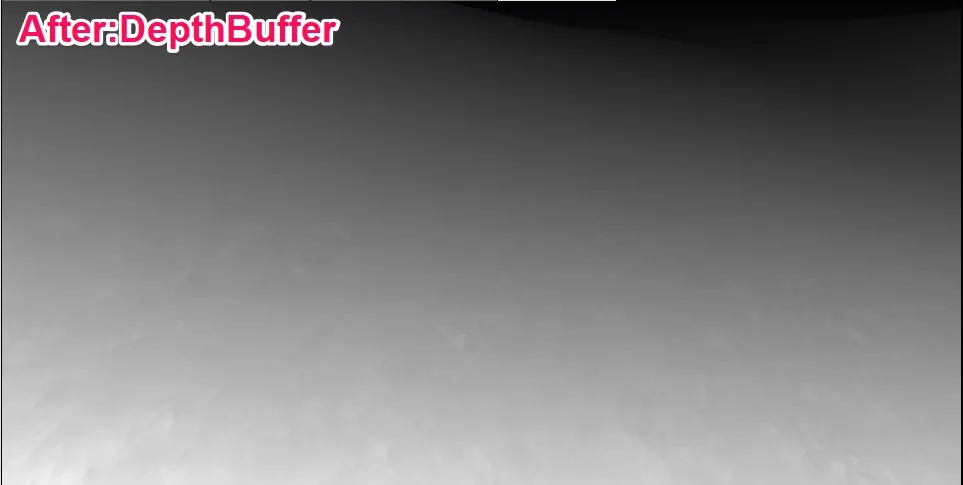
To use the function
Section titled “To use the function”You need to customize the engine to be able to use it on DeskTopRender.
// ... Engine Code  FDeferredShadingSceneRenderer::RenderDeferredShadowProjections(      ・      ・      ・const FVisibleLightInfo& VisibleLightInfo = VisibleLightInfos[LightSceneInfo->Id];
RenderCapsuleDirectShadows(    GraphBuilder,    *LightSceneInfo,    ScreenShadowMaskTexture,    VisibleLightInfo.CapsuleShadowsToProject,    bProjectingForForwardShading);
// --- Add customization from here ---if (LightSceneInfo->Proxy &&    LightSceneInfo->Proxy->GetLightType() == LightType_Directional){    // Dynamic shadows are projected into channels of the light attenuation texture    // based on their assigned DynamicShadowMapChannel    // Only render screen space shadows if light is assigned to a valid DynamicShadowMapChannel    RenderScreenSpaceShadows(        GraphBuilder,        SceneTextures,        Views,        LightSceneInfo,        bProjectingForForwardShading,        ScreenShadowMaskTexture    );}// --- End of customization ---
Points to note
Section titled “Points to note”Because this is a ScreenSpace-type process, it is prone to artifacts at the edges of the screen.
The same is true for Contact Shadow.
Also, since it only uses depth, partial artifacts may occur.
Acknowledgement
Section titled “Acknowledgement”We would like to express our deepest gratitude to Graham Aldridge, R&D Lead, and to Sony and Bend Studio for making the conference information public.
References
Section titled “References”Bend Studio Reference
Section titled “Bend Studio Reference”